Join LUMOplay

Why you should choose LUMOplay software

  • Education-first pricingAt-cost pricing for schools and child-focused businesses
  • Awesome supportReal humans, real support, whenever you need it
  • World-class interactivityUsed by major brands and agencies worldwide
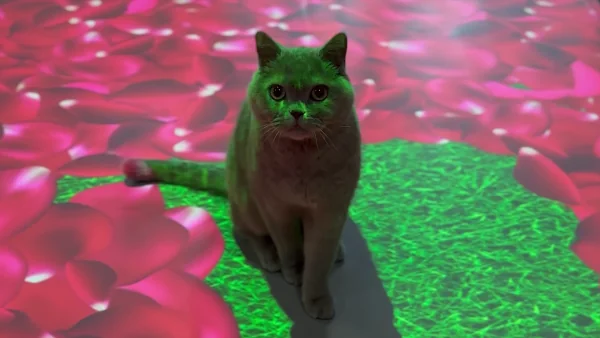
interactive rose petal floor

Support your local economy

Most interactive floor and wall projector companies sell hardware for three times what it actually costs (or more), and don't provide on-the-ground support.

With LUMOplay software you can get the equipment you need from a local business, save money, and support your community.
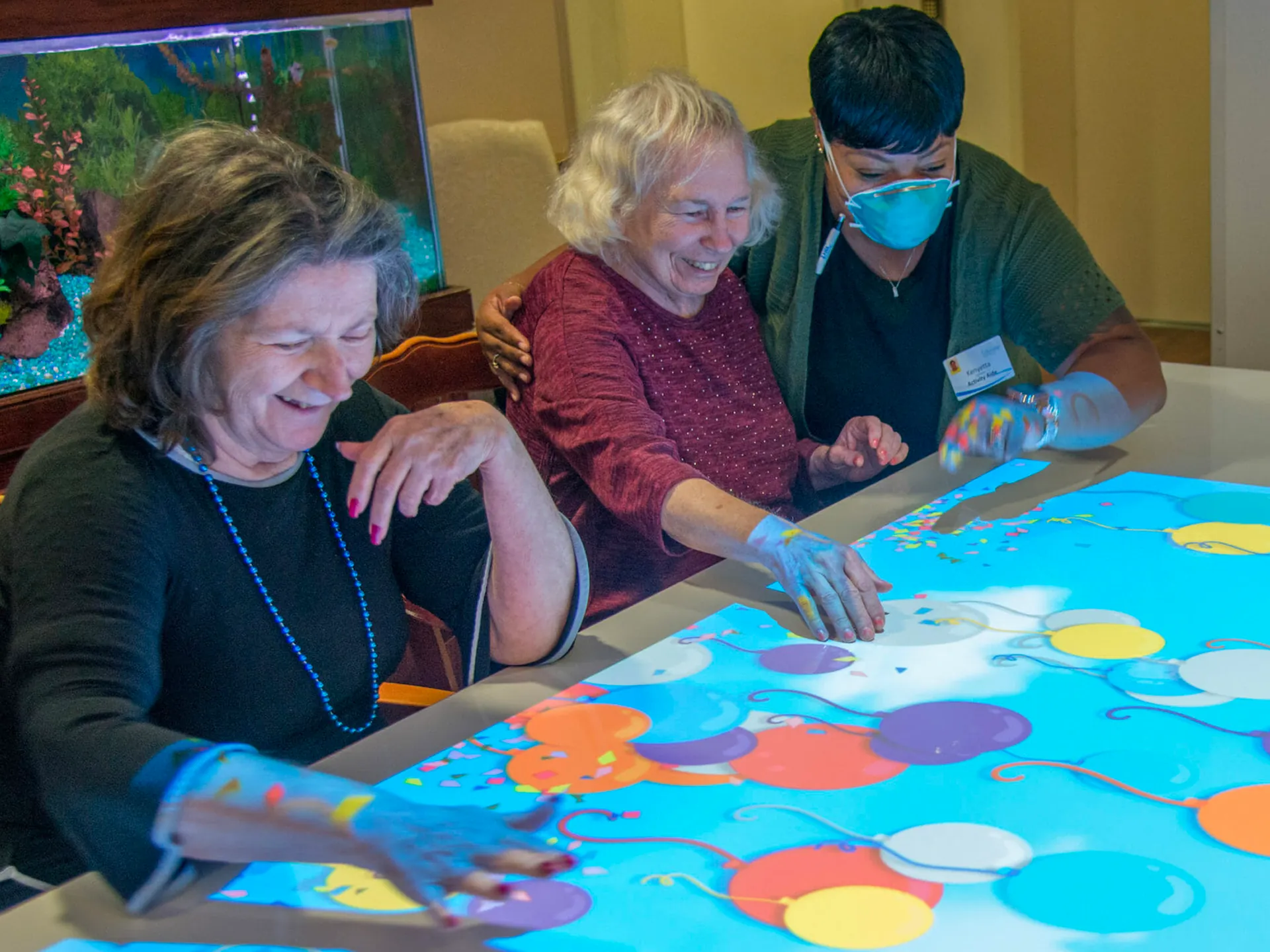
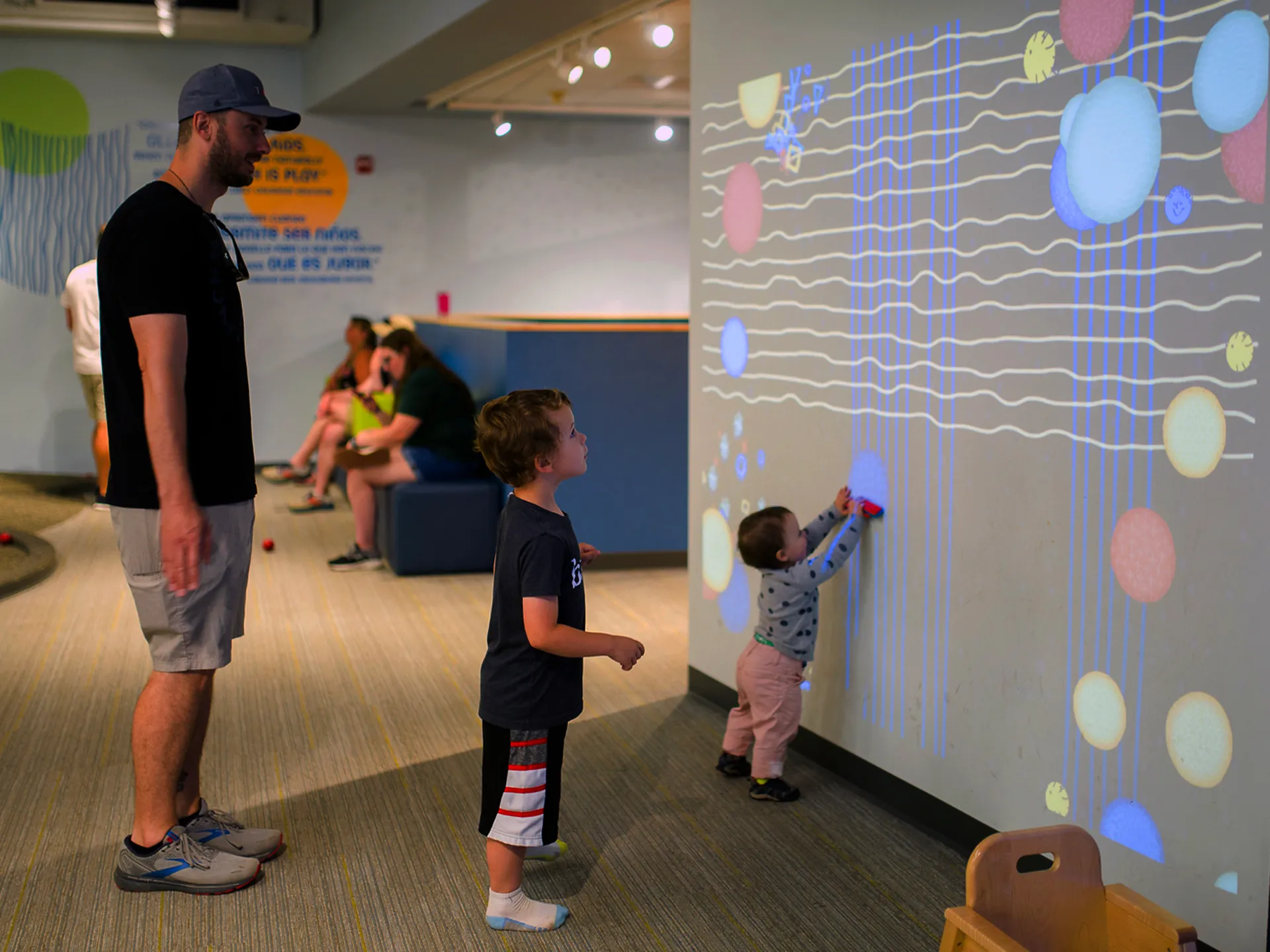
People at an interactive table in a care facilityChild and toddler playing with interactive wall

Customer reviews

See why businesses, schools, and agencies worldwide choose LUMOplay.

“Brilliant software with a huge range of games. They take requests and make new games for free.”

Danien D.W. AU Department of Education
“Very responsive and supportive. Patients LOVE the Interactive LUMO floor!”

Lance R.Kaiser Permanente
“One of the best interactive software providers. Always gives good support!”

Rainer S.Novaver
“We’ve installed many LUMOplay systems. Our clients love them!”

Jen MooreRabCup

Trusted by major brands. We make custom apps for big companies and keep prices low for schools and not-for-profits.


  • Adidas logo
  • Air New Zealand logo
  • Google logo
  • Hasbro logo
  • Kinder logo
  • Mattel logo
  • McDonald's logo
  • Sport Chek logo
  • Walmart logo
  • Yakult logo

Frequently asked questions

Can't find your answer? Visit the help center.

You can use LUMOplay to make any surface interactive, including floors, walls, windows, tables and more. Check out our setup guides to learn more about the different types of systems you can create with LUMOplay.

The apps included with LUMOplay are designed for areas as large as approximately 4.8m x 2.7m (16' x 9'), but you can make or commission experiences much larger. Learn more about using multiple cameras / displays with LUMOplay.

No, LUMOplay is designed to run one game or effect at a time. If you want to run multiple games or effects simultaneously, you will need to use multiple computers.

With a LUMOplay subscription you get access to all apps in our library, which includes over 300 apps and games. Paid subscribers can also request new apps and games at no cost (some conditions apply).

Yes! Motion Maker, a content creation system built into LUMOplay, allows you to create custom effects and games without coding. We also have a free Unity SDK for creative coders. Learn more about how to make your own games and effects for LUMOplay.

We can create custom games and effects for you, or connect you to a development team with expertise in the type of project or style you're looking for. Contact us and let us know what you want to make!

If you're buying all the equipment you need brand new, the average total cost for a computer, projector, 3D camera and mounting hardware is around $2000 - $2500. Brighter or bigger rooms require brighter displays, which will cost more. If you send us photos of your installation location and tell us a little bit about what you're hoping to do, we can help you find equipment that fits your budget.

Yes! Everyone who signs up for a LUMOplay account is allowed one installation of LUMOplay Free. This installation can't be reset or transferred, though, so make sure the computer you use meets our requirements before you install it.

Questions? Contact our team today!
Contact LUMOplay